
Buyer Guide
Tuya Smart Padlock OEM Checklist for Distributors
A concise checklist for selecting firmware, branding, packaging, testing and gateway support before production.
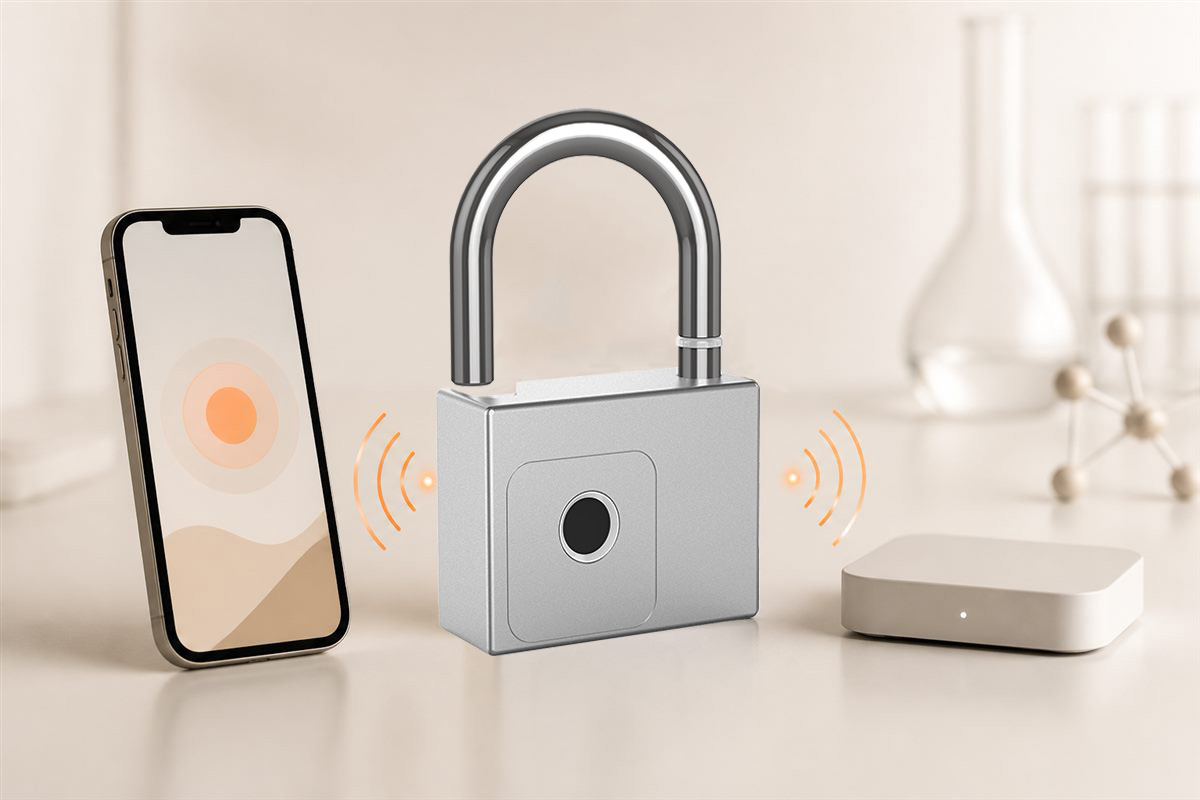
DIRECT ANSWER
A Tuya padlock OEM order should define the exact model, app functions, firmware, logo, packaging, compliance documents, inspection and after-sales workflow.
Technical confirmation
Test a representative sample for fingerprint enrollment, Bluetooth pairing, member permissions, records, battery indication and any gateway function. Record app and firmware versions.
Confirm materials, shackle or chain dimensions, charging method, backup access and package data.
Commercial confirmation
Approve artwork, manuals, carton marks, Incoterm and warranty handling in writing. Small-order customization may use a simpler process before fully custom packaging.
Explore related BioLock locks
Key takeaways
- Freeze model and firmware
- Approve branded materials
- Document inspection and after-sales
Authoritative references
These primary sources support the general technical explanation. BioLock model features remain configuration-specific.
Editorial note: This is original BioLock educational content. Company-event articles use BioLock's own archive and photographs; technical articles summarize public primary references without reproducing protected text.