
Tuya Smart
Which Tuya Smart Life Features Matter for a Padlock?
Pairing, member authorization, access records and battery reporting are useful—but must be verified per configuration.
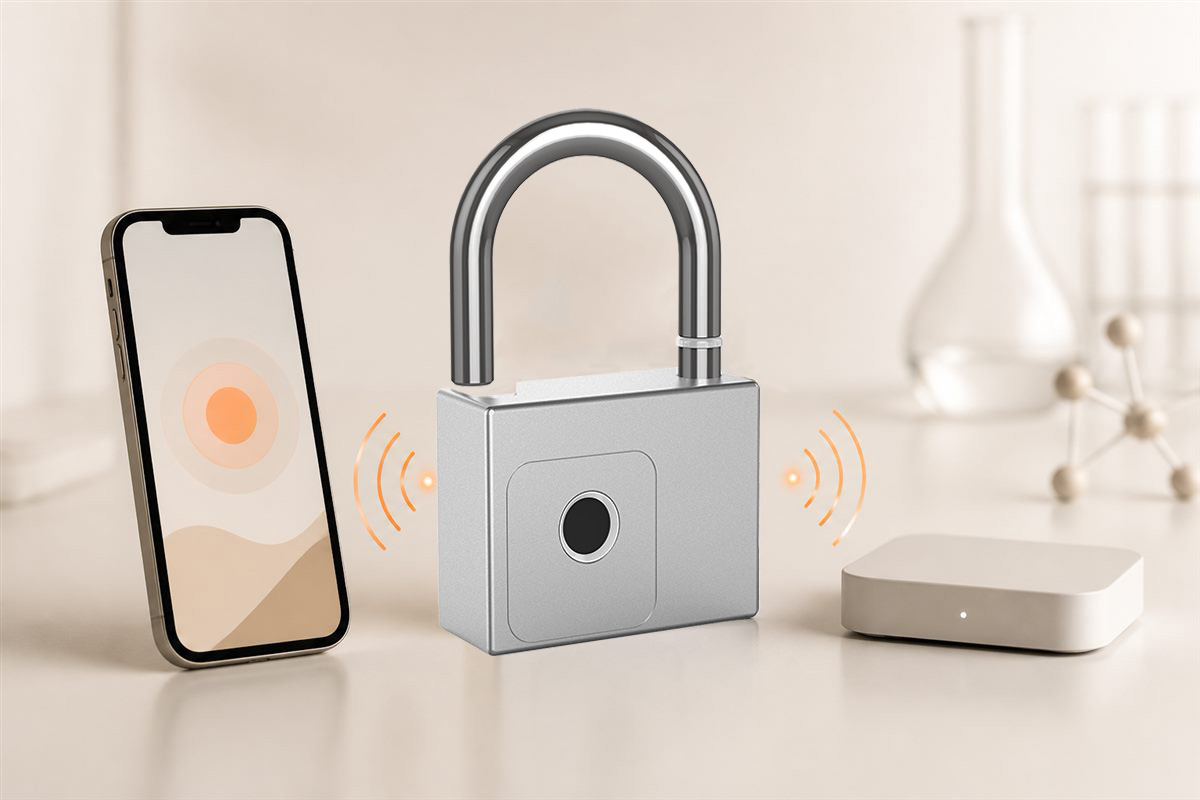
DIRECT ANSWER
The most useful connected-padlock functions are clear pairing, managed users, supported access records, battery information and understandable recovery steps.
Evaluate real user value
An app feature is valuable only if buyers can understand and support it. Review invitations, permission removal, device reset and what remains available offline.
Tuya documentation describes functions including pairing, records, alerts and battery display for supported lock solutions.
Avoid feature assumptions
Tuya is a platform with configurable data points and panels. Request a demonstration of the ordered product rather than copying a generic feature list.
Explore related BioLock locks
Key takeaways
- Focus on pairing and permissions
- Battery and record functions aid management
- Verify the configured app panel
Authoritative references
These primary sources support the general technical explanation. BioLock model features remain configuration-specific.
Editorial note: This is original BioLock educational content. Company-event articles use BioLock's own archive and photographs; technical articles summarize public primary references without reproducing protected text.